


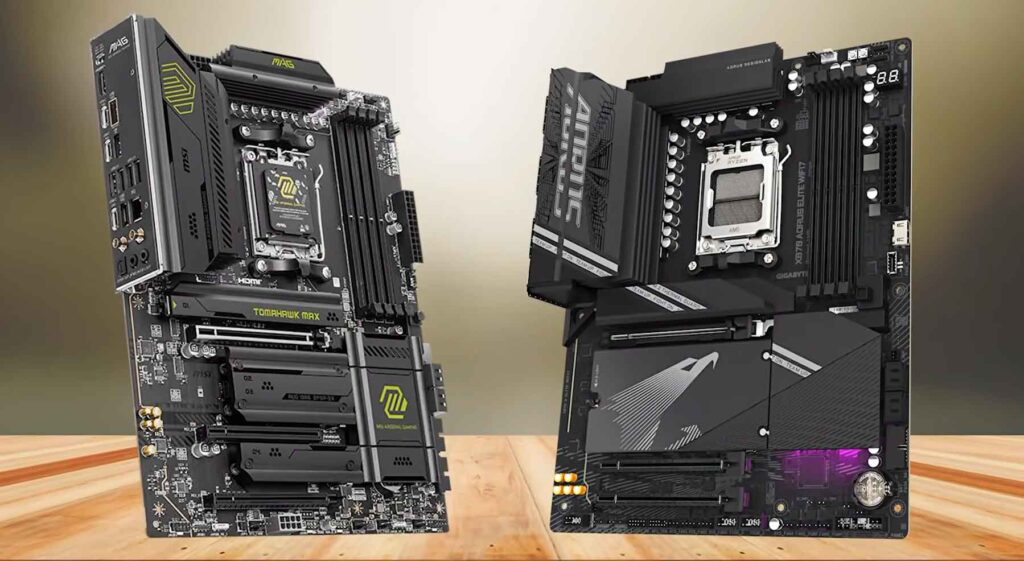
Choosing the right AMD motherboard is critical when building a high-performance PC with Ryzen 7000 and Ryzen 9000 series processors. In fact, the AMD X870E vs B850 motherboard debate is the most common dilemma facing PC builders this year. Should you spend $300 to $500+ on a flagship board? Or does a mid-range B850 board deliver everything you need for maximum frame rates?
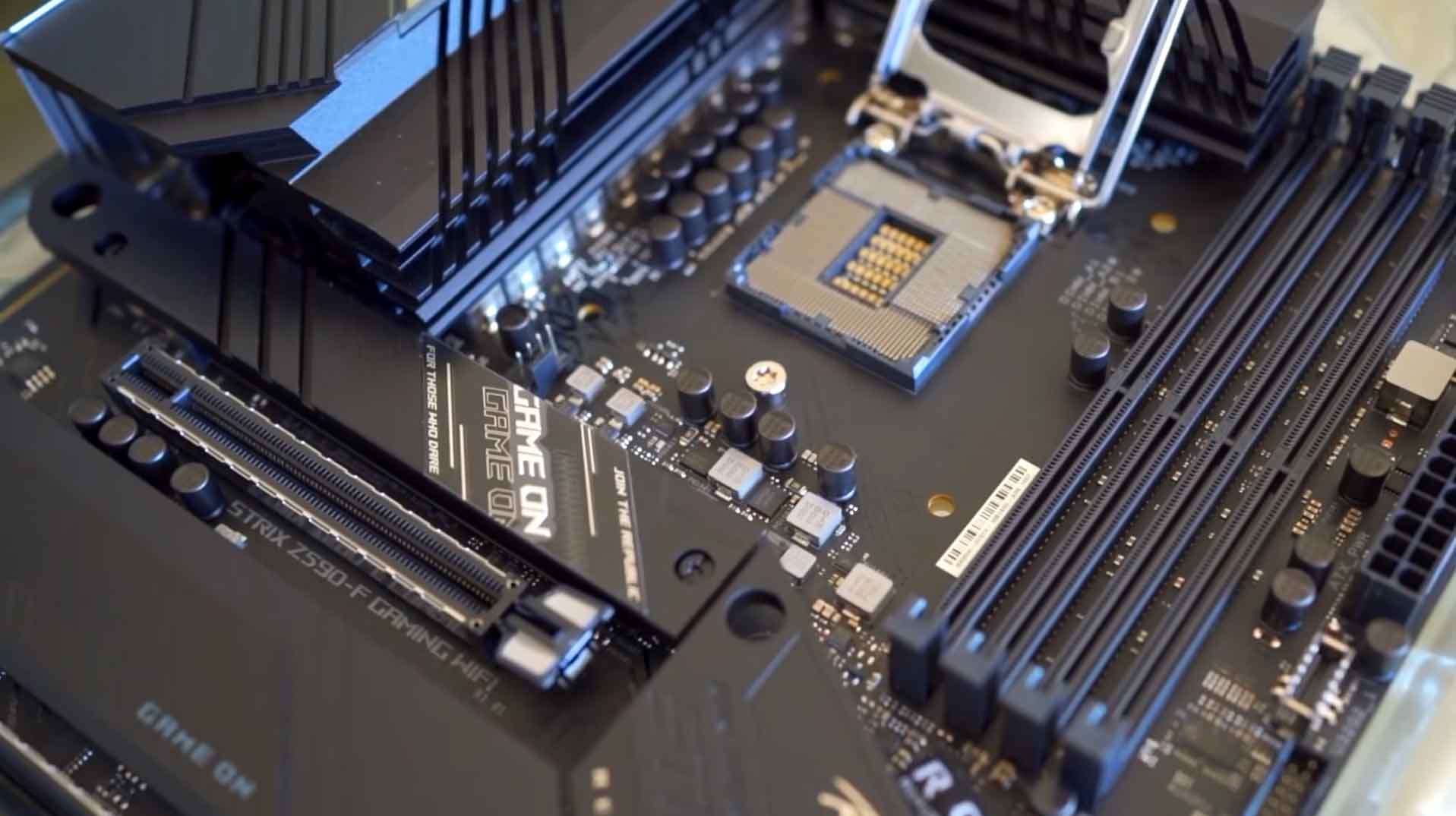

In this detailed AMD X870E vs B850 motherboard analysis and motherboard comparison, we break down the five essential differences between both platforms. We will analyze PCIe 5.0 lanes, lane-sharing traps, USB4 connectivity, VRM thermal power stages, and pricing. Consequently, this guide will help you determine the best am5 motherboard for your workflow, or pinpoint the best motherboard for gaming without overpaying for unused features.
AMD X870E vs B850 motherboard chipset comparison for Socket AM5 PC builds
| AMD X870E vs B850 Motherboard Feature |
AMD X870EEnthusiast Tier
|
AMD B850Value Tier
|
|---|---|---|
| Target Audience | Heavy Creators, Overclockers, Multi-NVMe Users | Gamers, Streamers, Mainstream PC Builders |
| Chipset Architecture | Dual Chipset (2x Promontory 21) | Single Chipset (1x Promontory 21) |
| Chipset PCIe 4.0 Lanes | 20x Gen 4 LanesSupports add-in cards & high-speed accessories | 12x Gen 4 LanesOptimized for standard multi-drive setups |
| Primary PCIe x16 GPU Slot | ✔ PCIe 5.0 x16 (Strictly Mandatory) | PCIe 4.0 or 5.0 x16 (Manufacturer Choice) |
| Primary M.2 NVMe Slot | ✔ PCIe 5.0 x4 (Mandatory CPU-attached) | ✔ PCIe 5.0 x4 (Mandatory on all B850 boards) |
| USB4 (40 Gbps) Ports | ✔ 2x Mandatory USB4 | Optional (Standard USB 3.2 / 20Gbps) |
| Lane Sharing / Bifurcation Risk | Minimal (Dedicated trace lines & re-timers) | Moderate (Secondary M.2 slots may share lanes) |
| VRM Power Delivery | Heavy Duty (16+2+1 to 24+2+1 phases, backplate armor) | Balanced (10+2+1 to 14+2+1 phases) |
| Wireless Networking | ✔ Wi-Fi 7 Standard (with 5GbE / 10GbE LAN) | Wi-Fi 6E or Wi-Fi 7 (usually 2.5GbE LAN) |
| Typical Price Range | $320 – $600+ | $160 – $240 |
*Swipe horizontally on mobile devices to view all columns.
Check current component pricing and availability below:
AMD X870E vs B850 Motherboard: 5 Key Technical Differences
1. Dual Chipset vs. Single Chipset Architecture
The foundational difference in this am5 chipset comparison lies in the underlying silicon. According to the official AMD AM5 Chipset Specifications, the flagship X870E employs a dual-chipset design featuring two Promontory 21 chips linked in tandem. This configuration delivers 20x PCIe 4.0 lanes straight from the motherboard. As a result, an X870E platform easily hosts multiple NVMe drives, dedicated sound cards, and capture cards without bottlenecks.
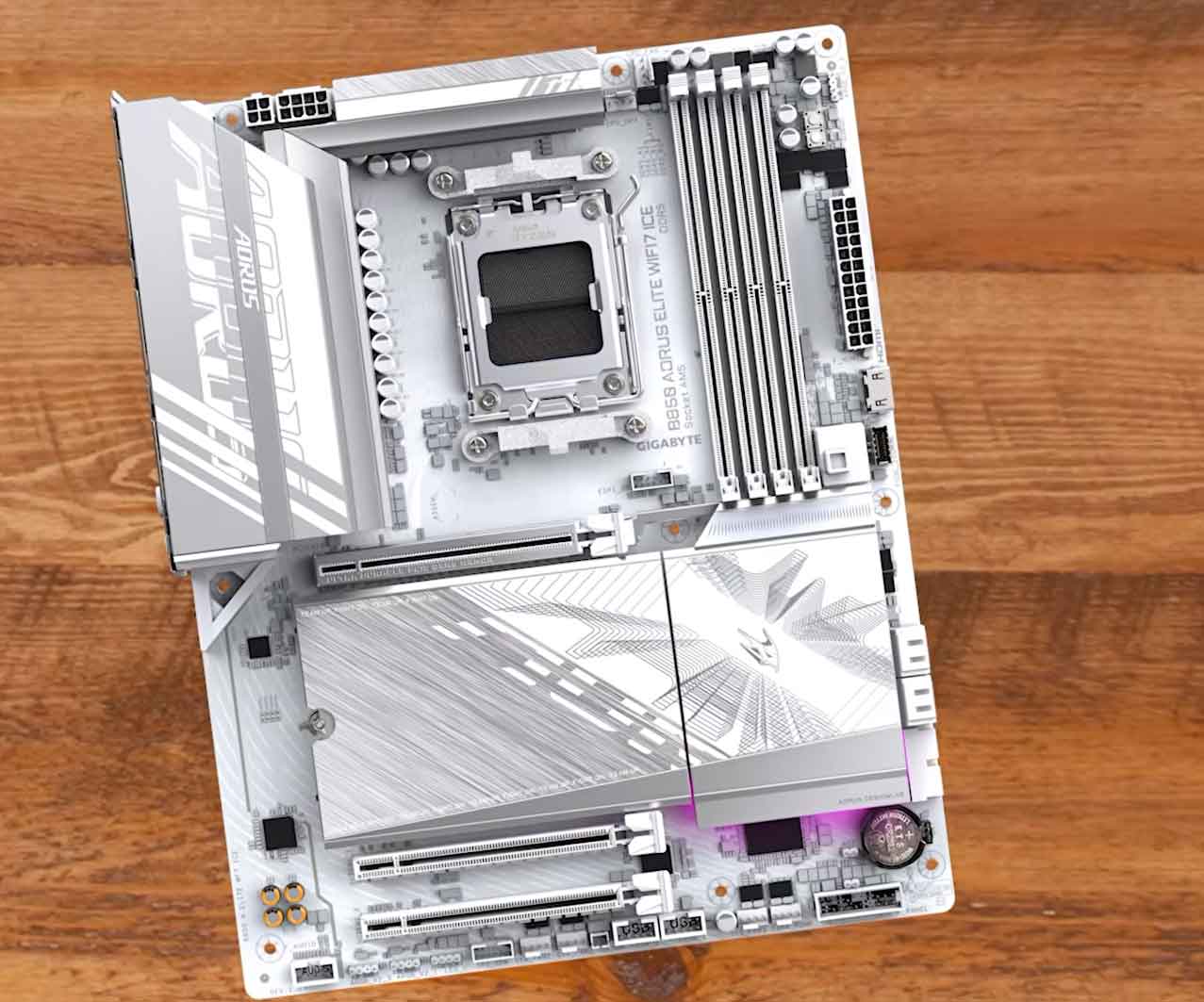

Meanwhile, the B850 motherboard runs on a single Promontory 21 chip supplying 12x PCIe 4.0 lanes. In any realistic AMD X870E vs B850 motherboard comparison, 12 chipset lanes offer ample bandwidth for everyday gamers running a single discrete GPU alongside one or two high-speed storage drives.
2. PCIe 5.0 Lane Distribution and the Lane-Sharing Trap
A crucial factor when choosing an AMD X870E vs B850 motherboard is how motherboard makers route bandwidth from the CPU:
- On X870E Motherboards: Both the primary x16 graphics card slot and the primary M.2 NVMe slot require strict PCIe 5.0 compliance. Furthermore, premium boards feature dedicated trace lines to prevent bandwidth throttling.
- On B850 Motherboards: AMD makes a PCIe 5.0 x4 M.2 SSD slot mandatory, whereas PCIe 5.0 on the main graphics slot is optional. Most B850 models provide either PCIe 4.0 x16 or PCIe 5.0 x16 depending on the manufacturer’s target price.
Builder Warning — Check Lane Bifurcation: On select budget B850 models, populating extra M.2 slots forces the main PCIe x16 graphics slot to bifurcate into x8 mode. While modern GPUs lose minimal gaming performance on PCIe 4.0 x8, power users running multiple Gen 5 SSDs will find the unshared lane design of the X870E far more reliable.

3. USB4 (40 Gbps) and Rear I/O Density for Creators
Rear I/O connectivity is another decisive area in the AMD X870E vs B850 motherboard matchup. AMD mandates two 40 Gbps USB4 Type-C ports with DisplayPort capabilities on all X870 and X870E motherboards. You also benefit from denser high-speed USB arrays and native Wi-Fi 7 modules.
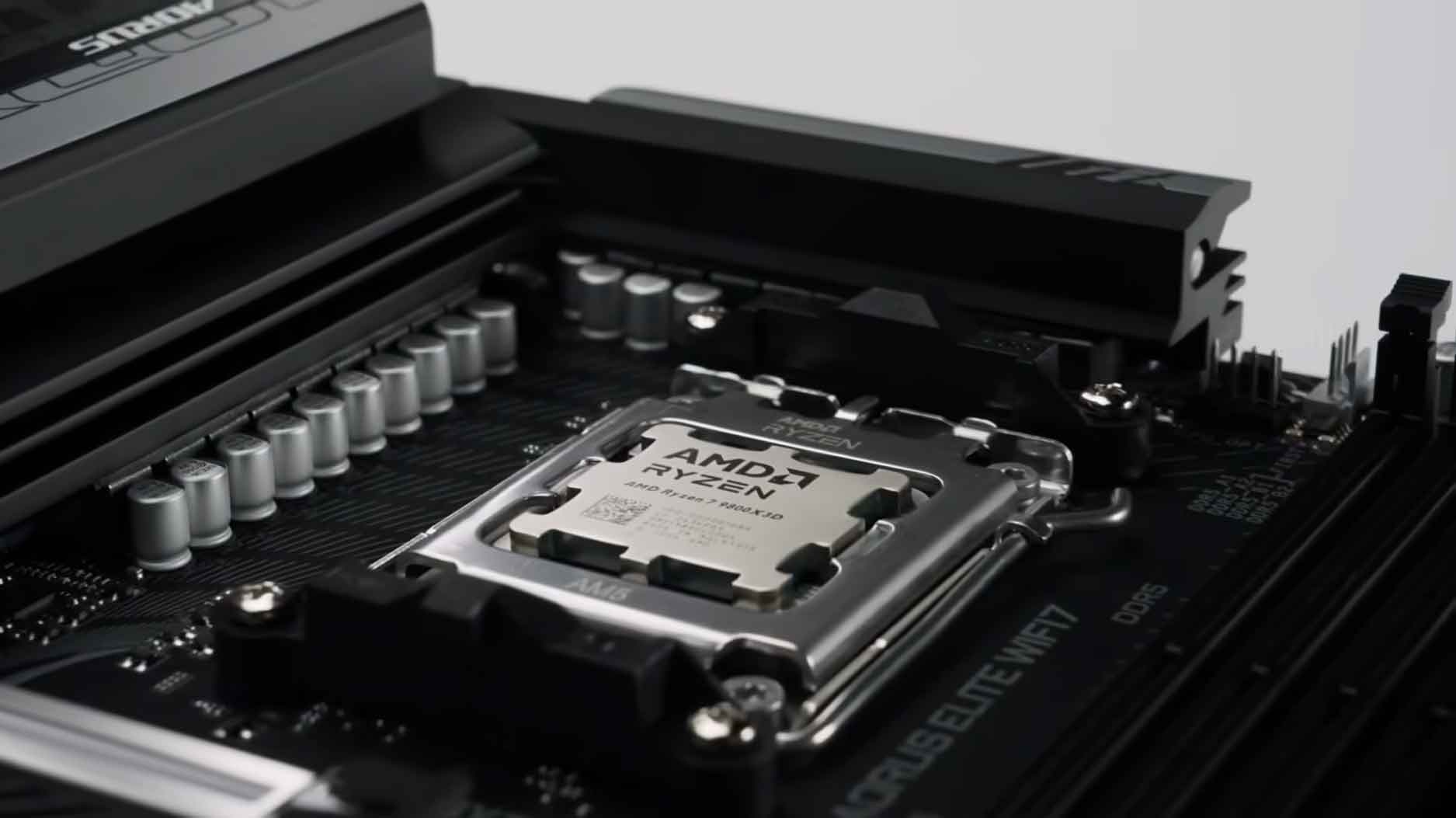

If you connect external high-speed NVMe RAID enclosures, video capture equipment, sound mixers, and webcams, the expansive rear I/O on an X870E eliminates the need for unstable USB hubs. However, for a gaming PC with a standard keyboard, mouse, and headset, paying a premium for mandatory USB4 offers no tangible benefit.
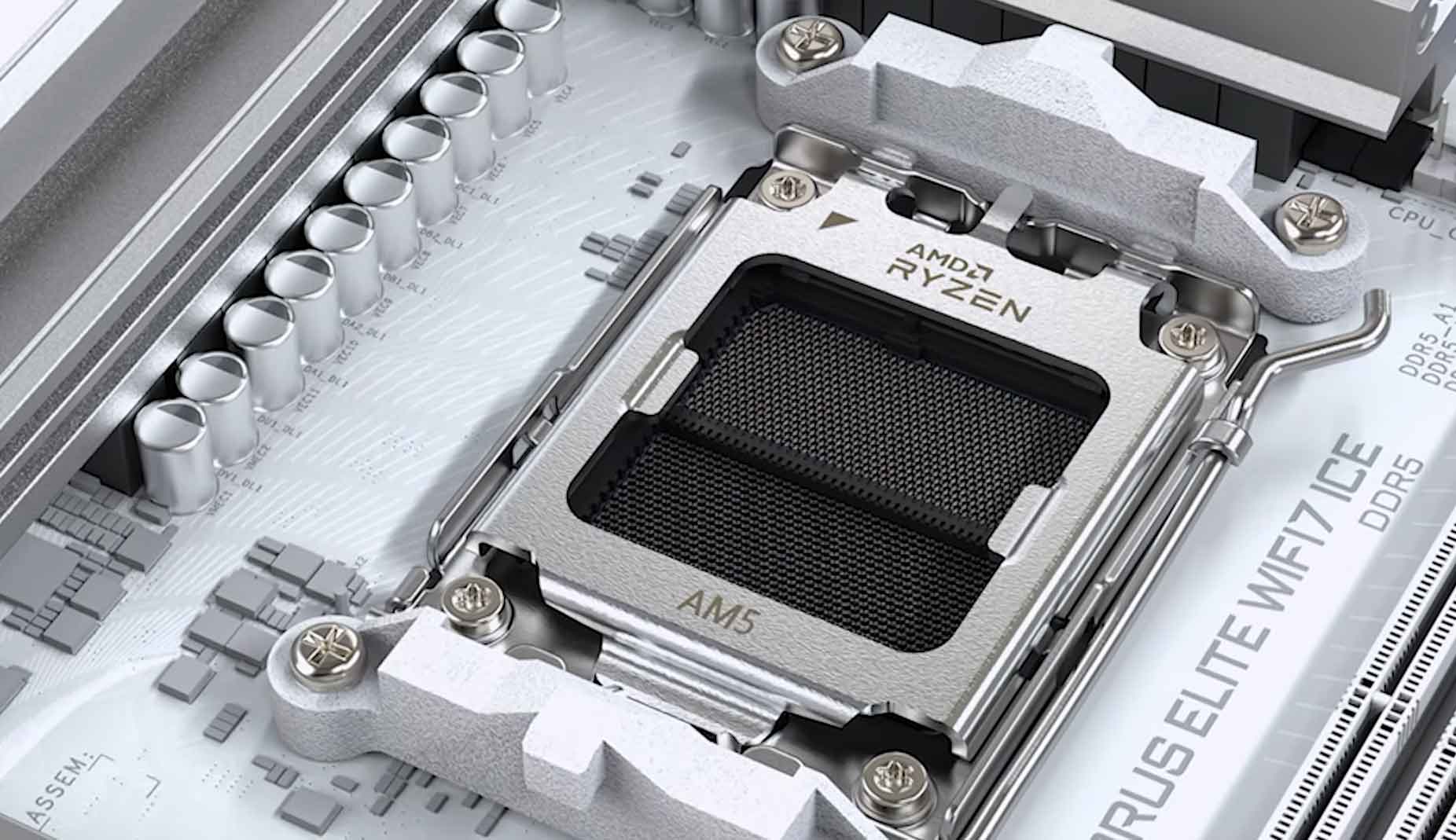

4. VRM Power Delivery and Thermal Phase Design
Power delivery determines whether your board can sustain maximum boost clocks under heavy multi-threaded workloads without thermal throttling:
- Mainstream & Gaming CPUs (65W–120W TDP): Processors like the Ryzen 5 9600X, Ryzen 7 7700X, and the top-tier best gaming CPUs for AM5 (such as the Ryzen 7 7800X3D and 9800X3D) are remarkably power-efficient. A solid B850 board featuring a 12+2+1 or 14+2+1 phase VRM runs these chips cool and stable.
- High-Core Productivity CPUs (170W–200W+ TDP): For heavy workloads on a 16-core Ryzen 9 9950X, power demands spike dramatically. Premium X870E motherboards feature robust 18+2+1 to 24-phase power stages and thick thermal backplates to handle extended multi-hour rendering sessions.
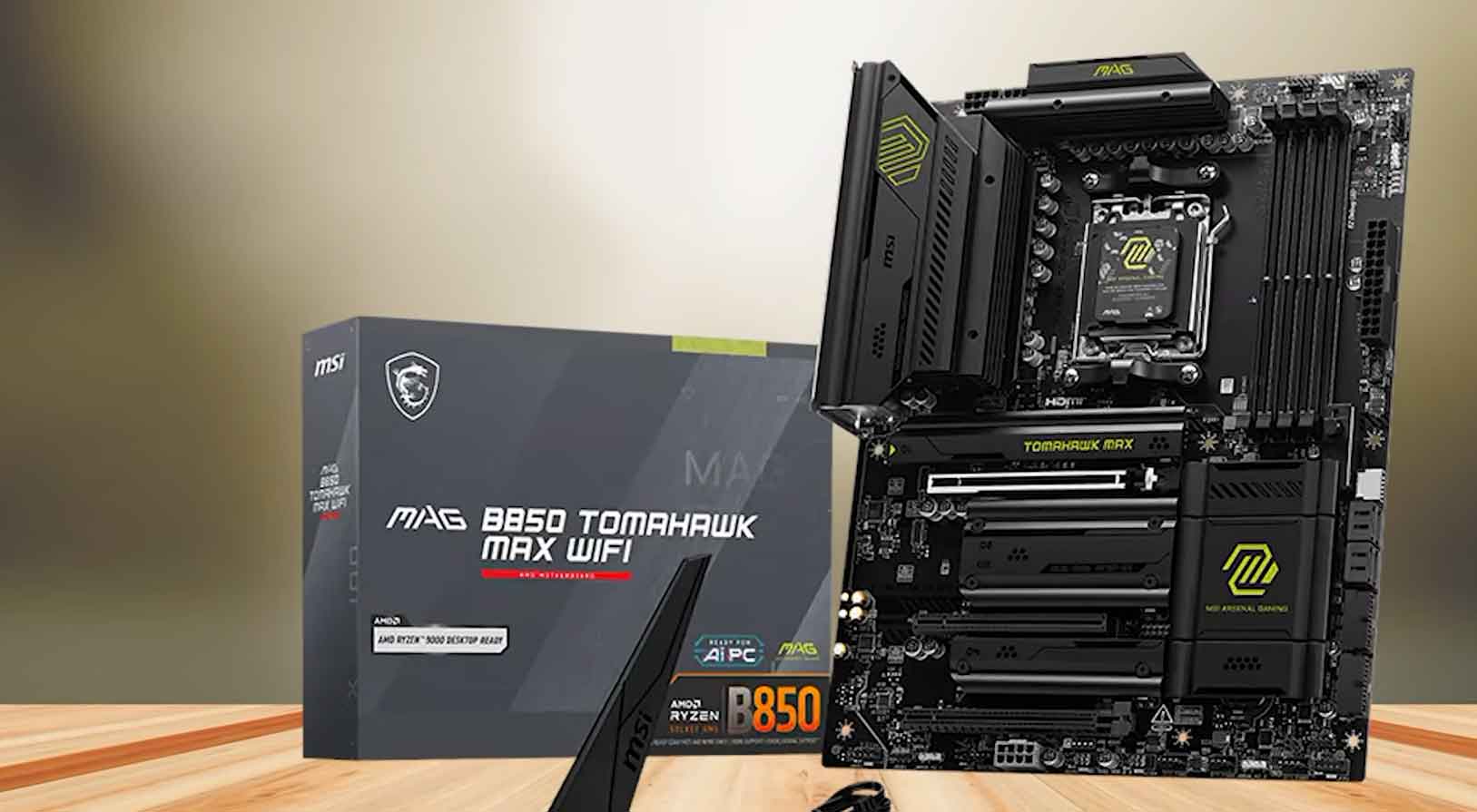

5. Price, Real-World Gaming Performance, and The “Prestige Tax”
Hardware testing consistently proves that your motherboard chipset does not increase in-game frame rates. Running identical hardware on an AMD X870E vs B850 motherboard produces identical gaming performance. As demonstrated in hardware reviews from tech channels like BC Zone and ScatterVolt, spending $200 extra on a motherboard chipset simply for prestige takes money away from parts that actually improve your experience.
By opting for a B850 board, you can redirect those savings into a tier-higher graphics card, an optimized DDR5 RAM speed kit (like DDR5-6000 CL30), or a reliable 360mm AIO liquid cooler.
More Comparisons You May Find Interesting:
FiiO M33 R2R vs. FiiO M23: Which Audiophile DAP Wins? (2026 Review)
Steam Deck OLED vs ROG Ally X: 7 Tested Differences & Best Pick
ROG Phone 8 Pro vs RedMagic 9 Pro: Which Gaming Phone Wins?
S24 Ultra vs iPhone 16 Pro Max: 7 Tested Differences & Winner
POCO F6 Pro vs Xiaomi 14T Pro: 6 Tested Differences & Best Buy
Recommended Picks
Hardware reviewers recommend avoiding bottom-barrel boards that strip away basic heatsinks, while warning against overpriced entry-level X870 boards. Here are the top models to consider for your next AM5 build:
Best B850 Motherboards for Gaming & General Use
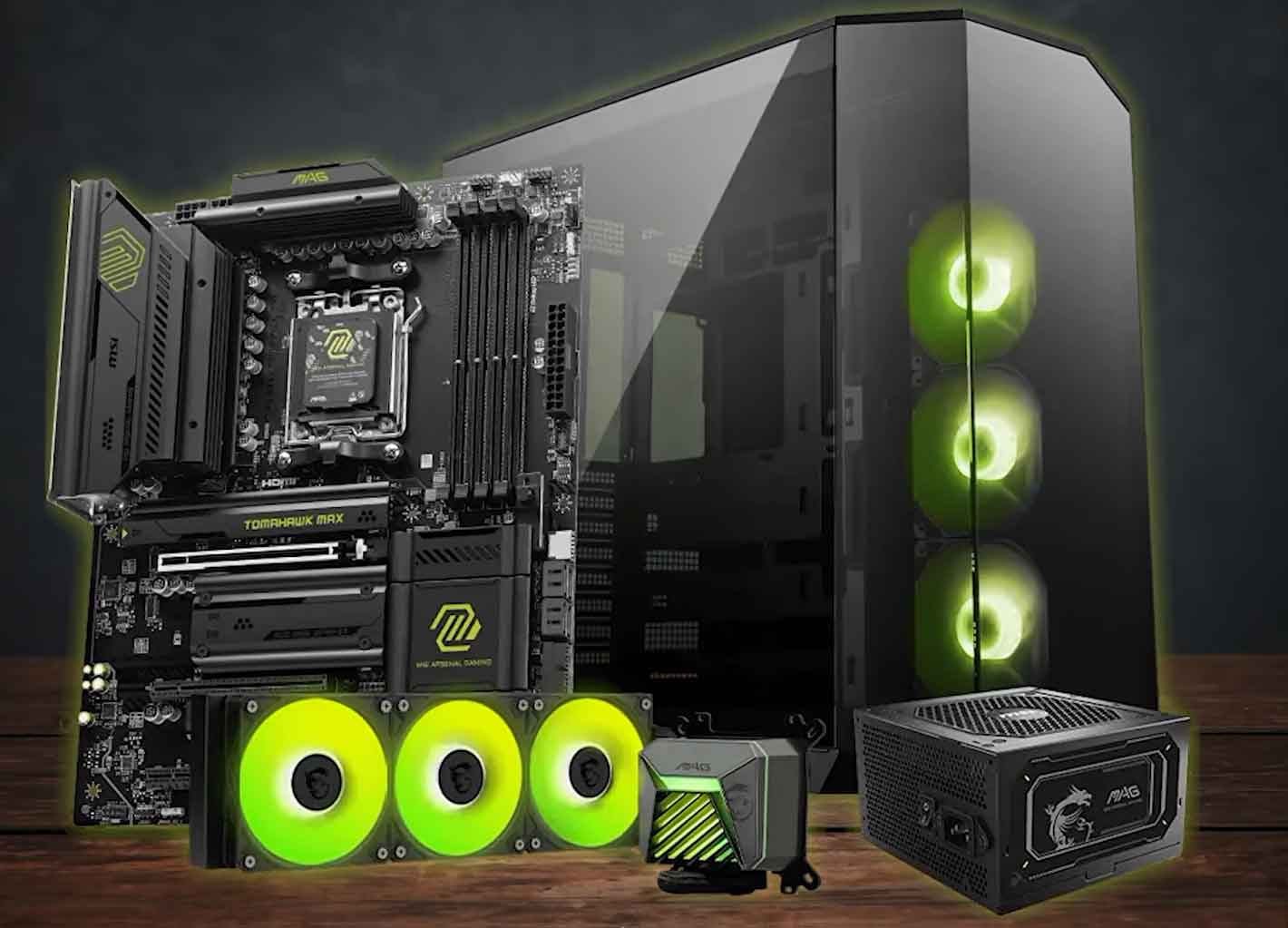
- MSI MAG B850 Tomahawk WiFi: Delivers exceptional VRM cooling, clean matte-black aesthetics, and generous rear USB ports.

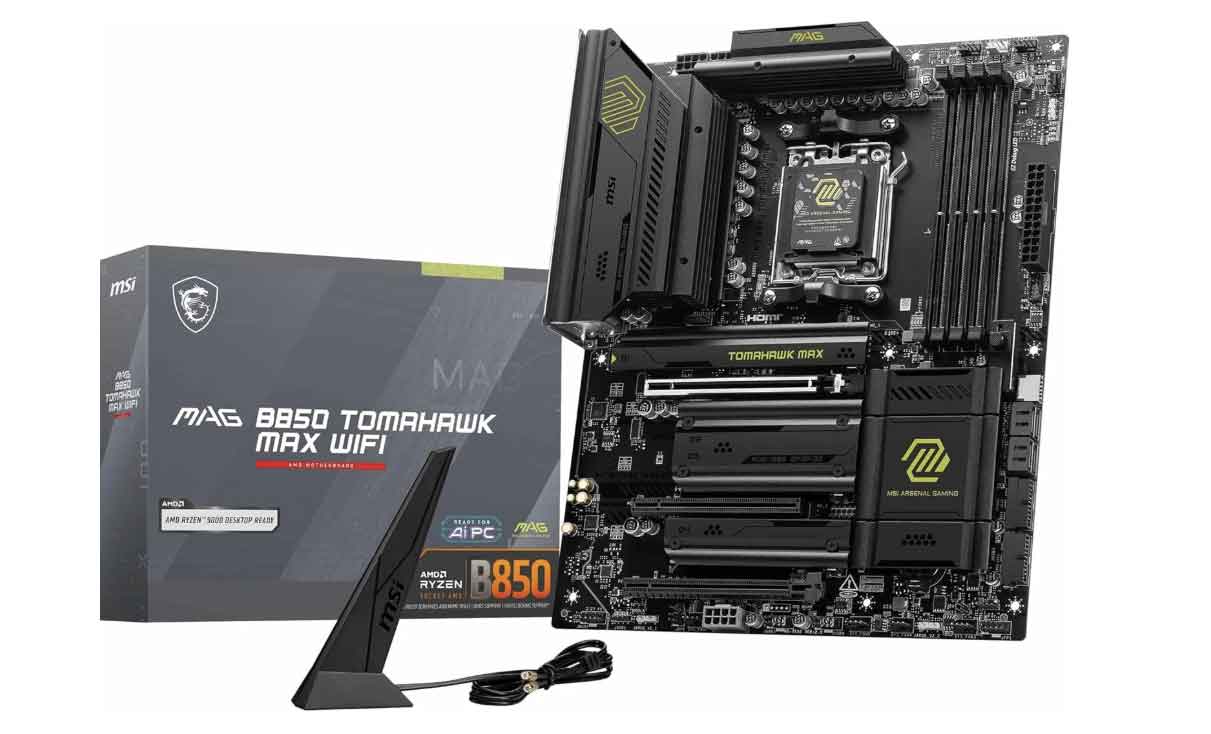
Buy MSI MAG B850 Tomahawk WiFi at Amazon
Buy MSI MAG B850 Tomahawk WiFi at AliExpress
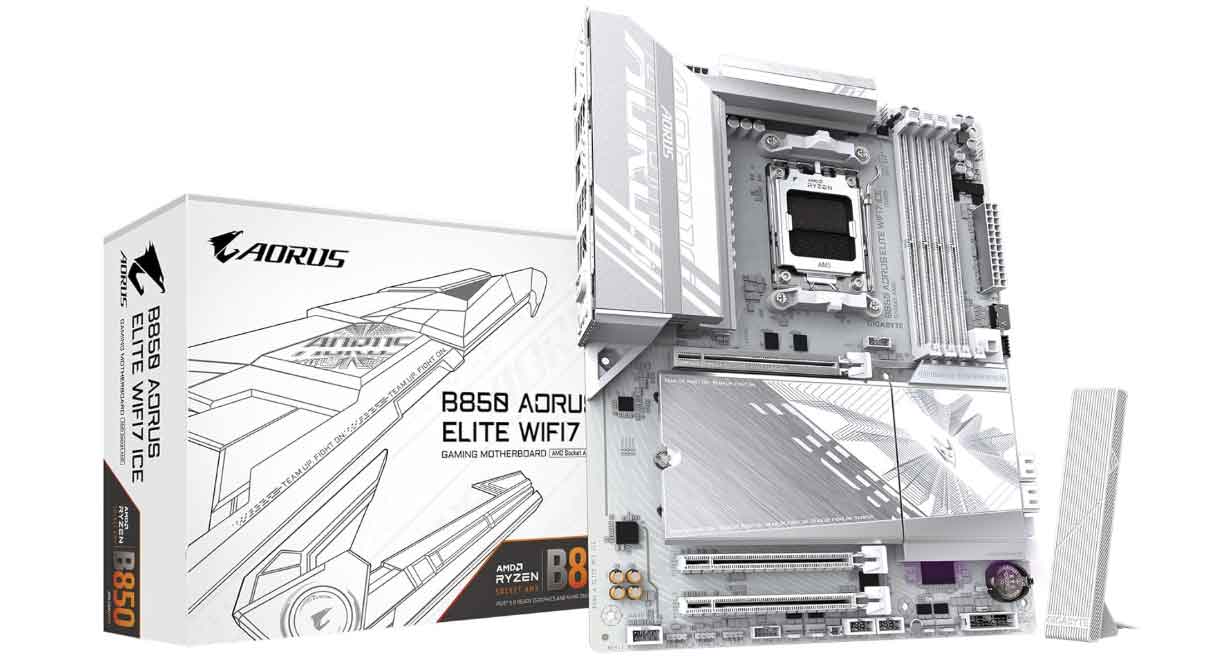
- Gigabyte B850 AORUS Elite WiFi 7 ICE: A top pick for all-white PC builds, offering clean styling and integrated Wi-Fi 7.

Buy Gigabyte B850 AORUS Elite WiFi 7 ICE at Amazon
Buy Gigabyte B850 AORUS Elite WiFi 7 ICE at AliExpress
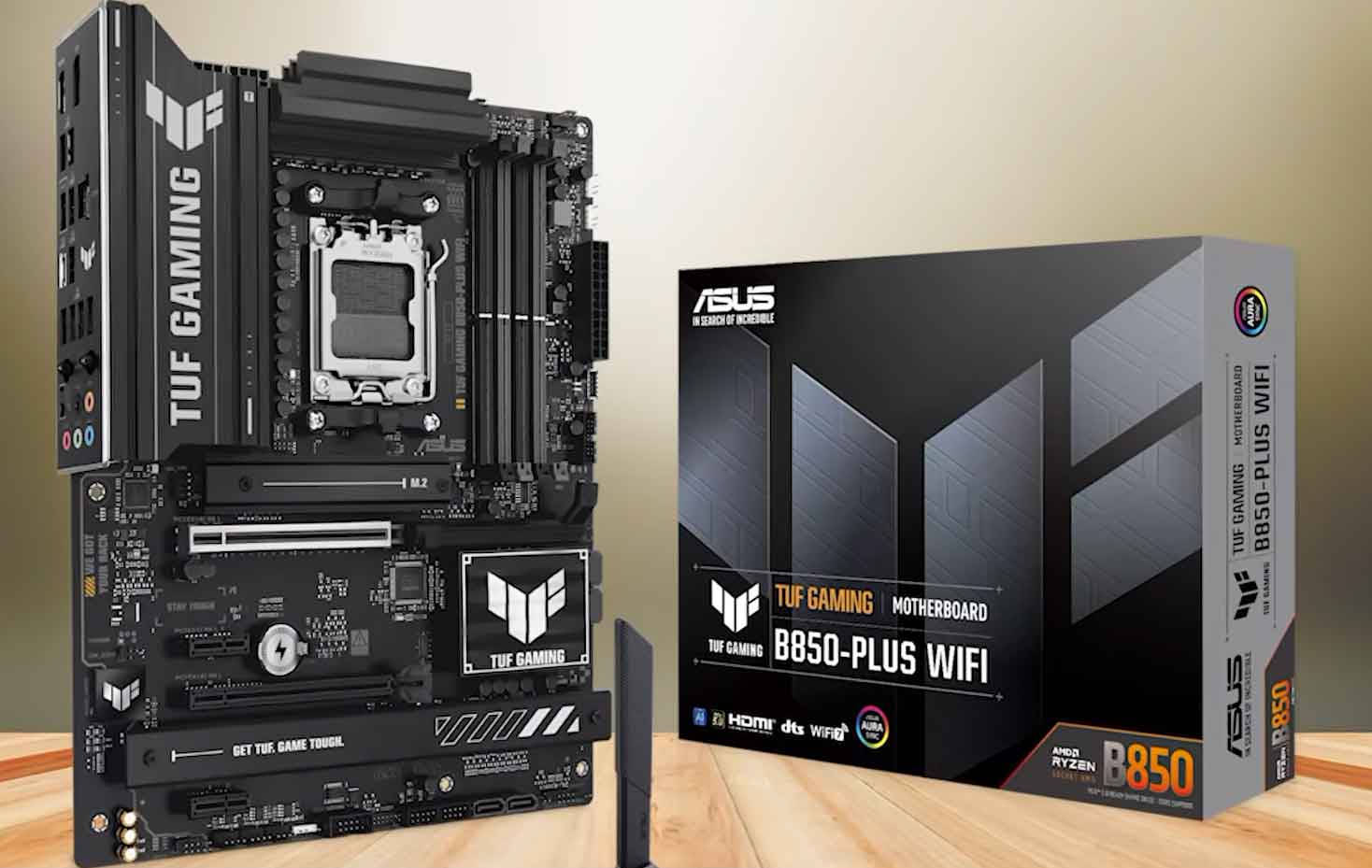
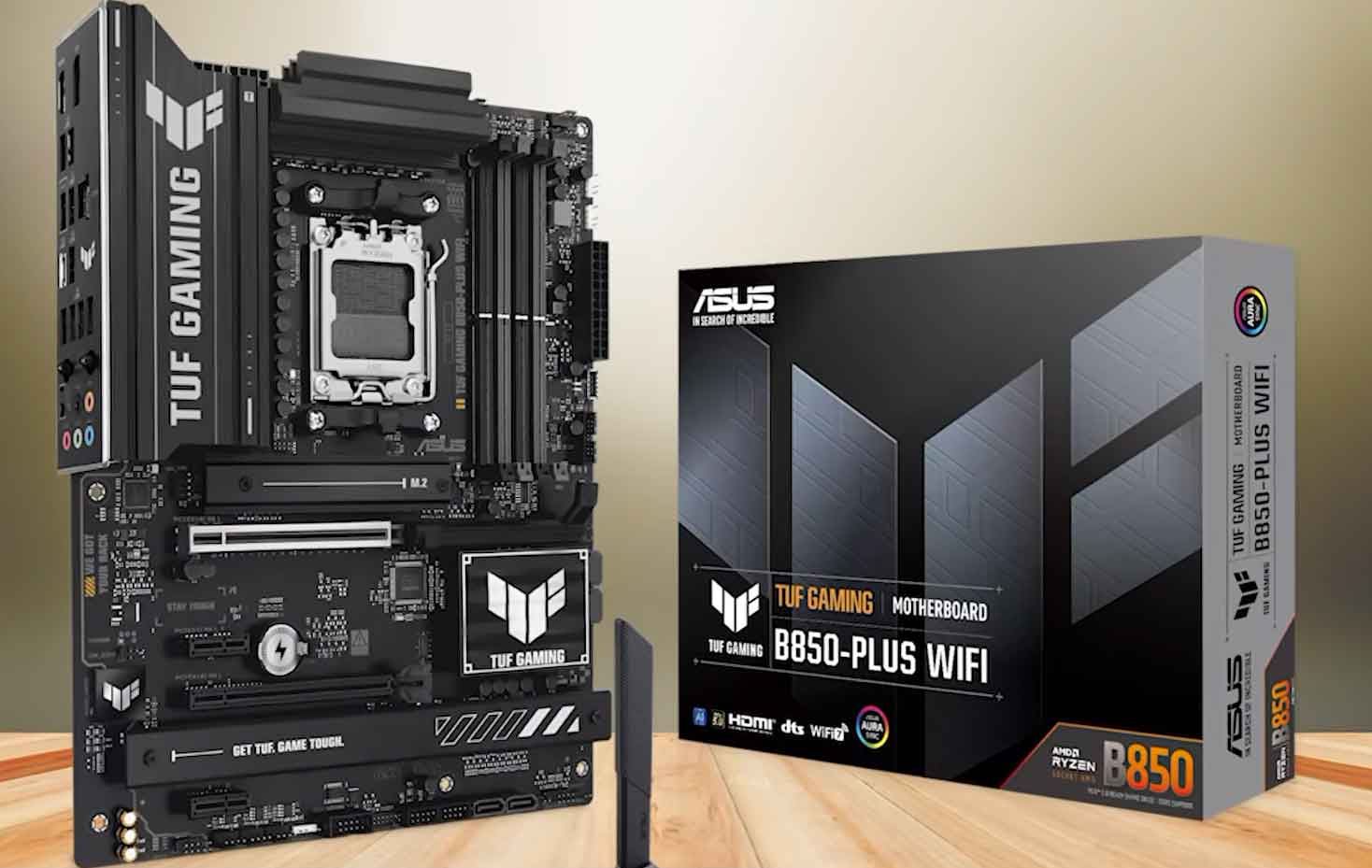
- ASUS TUF Gaming B850-Plus WiFi: Features a durable PCB, quick-release PCIe slots, and intuitive BIOS navigation.

Buy ASUS TUF Gaming B850-Plus WiFi at Amazon
Buy ASUS TUF Gaming B850-Plus WiFi at AliExpress
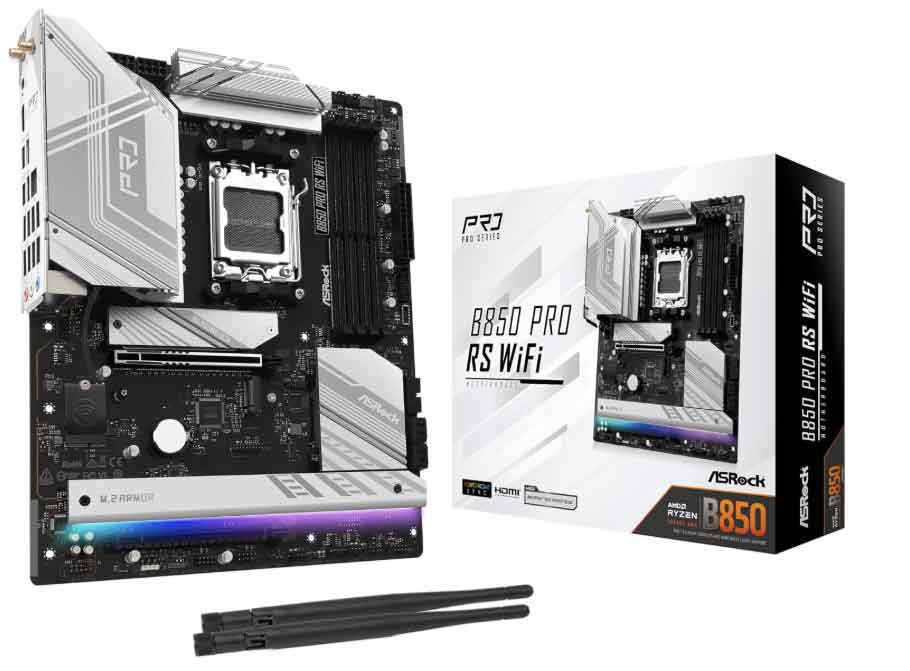
- ASRock B850 Pro RS: A high-value option for builders wanting modern aesthetics and solid baseline power delivery.

Buy ASRock B850 Pro RS at Amazon
Buy ASRock B850 Pro RS at AliExpress
Best X870 & X870E Motherboards for Enthusiasts & Creators
- ASRock Phantom Gaming X870 Nova WiFi: Outstanding enthusiast value featuring an 18+2+1 power phase design, heavy rear heat shield, and extensive Gen 5 M.2 support.
- MSI MAG X870 Tomahawk WiFi: Equipped with dual USB4 40Gbps ports and 5GbE networking for high-speed file transfers.
- Gigabyte X870 AORUS Elite WiFi 7: Includes tool-free M.2 heatsinks and reinforced PCIe slots for heavy graphics cards.
AMD X870E vs B850 Motherboard Specifications Sheet
Review the complete technical breakdown to see how each AMD X870E vs B850 motherboard platform allocates high-speed lanes and peripheral ports:
| Platform Specification | AMD X870E Details | AMD B850 Details |
|---|---|---|
| CPU Socket | AM5 (Ryzen 7000, 8000, 9000 Series) | AM5 (Ryzen 7000, 8000, 9000 Series) |
| Memory Overclocking | DDR5 with AMD EXPO Profiles | DDR5 with AMD EXPO Profiles |
| Primary PCIe GPU Slot | 16x PCIe 5.0 (Mandatory) | 16x PCIe 4.0 or 5.0 (Board Dependent) |
| Primary M.2 NVMe Slot | 4x PCIe 5.0 (Mandatory) | 4x PCIe 5.0 (Mandatory) |
| Chipset PCIe 4.0 Lanes | 20x Lanes (Dual Chipset) | 12x Lanes (Single Chipset) |
| USB4 (40 Gbps) Ports | 2x Ports (Mandatory) | Optional (Manufacturer Discretion) |
| SATA III Ports | Up to 8 Ports | Up to 4–6 Ports |
| CPU Multiplier Overclocking | Fully Unlocked (PBO Supported) | Fully Unlocked (PBO Supported) |
| Native Ryzen 9000 Support | Yes (Ready out of the box) | Yes (Ready out of the box) |
Which AMD X870E vs B850 Motherboard Should You Choose?
- Choose the B850 motherboard if: You are building a pure gaming PC, installing a single graphics card, and looking for the best motherboard for gaming value. It delivers the exact same gaming frame rates as premium chipsets while keeping costs grounded.
- Choose the X870E motherboard if: You are an enthusiast or workstation creator who requires 40 Gbps USB4 connectivity, runs 3 or more high-speed NVMe drives without lane compromises, or pairs with a flagship 16-core processor under continuous rendering loads.
Verdict: The Smart Move for AM5 Builders
To conclude our AMD X870E vs B850 motherboard review: the B850 stands out as the best am5 motherboard choice for most builders. It provides all essential features, including full DDR5 memory tuning, Gen 5 storage speeds, and solid power delivery without unnecessary price markups.
However, if your daily workflow relies on dual USB4 interfaces, advanced capture cards, and maximum expansion bandwidth, an AMD X870E vs B850 motherboard investment in the X870E tier will pay dividends over time.
Check current component pricing and availability below:
Frequently Asked Questions (FAQ)
No. In any real-world gaming benchmark, an AMD X870E vs B850 motherboard comparison reveals identical FPS when tested with the same processor, RAM, and graphics card. Chipset tier influences peripheral expansion and I/O speeds, not 3D rendering speed.
For most gamers, a quality B850 model like the MSI MAG B850 Tomahawk is the best am5 motherboard choice. Because the 9800X3D draws modest power while gaming, B850 VRMs run it at full boost frequencies effortlessly.
On the X870E, both the primary x16 GPU slot and the M.2 NVMe slot must be PCIe 5.0. On a B850 motherboard, the M.2 NVMe slot is Gen 5, but the x16 graphics card slot can be PCIe 4.0 or 5.0 depending on the model.
The X870E uses two Promontory 21 chipsets providing 20x PCIe 4.0 lanes, allowing multiple M.2 slots without sharing. Conversely, populating multiple SSD slots on select B850 boards can bifurcate the primary GPU slot from x16 down to x8.
Yes. Both platforms feature unlocked CPU multipliers for Precision Boost Overdrive (PBO) and full memory overclocking via AMD EXPO profiles.
USB4 (40 Gbps) is mandatory on all X870 and X870E motherboards. On B850 boards, USB4 is completely optional, with most models opting for standard USB 3.2 Gen 2 ports to keep costs affordable.
No. In an AMD X870E vs B850 motherboard comparison, a high-quality B850 board often outperforms a stripped-down entry X870 board in VRM thermal performance, component quality, and overall value.
The B850 is widely recognized as the best motherboard for gaming because it delivers full graphics and memory speeds, supports out-of-the-box Ryzen 9000 processors, and saves you $100 to $300 that can be invested into a faster GPU.