

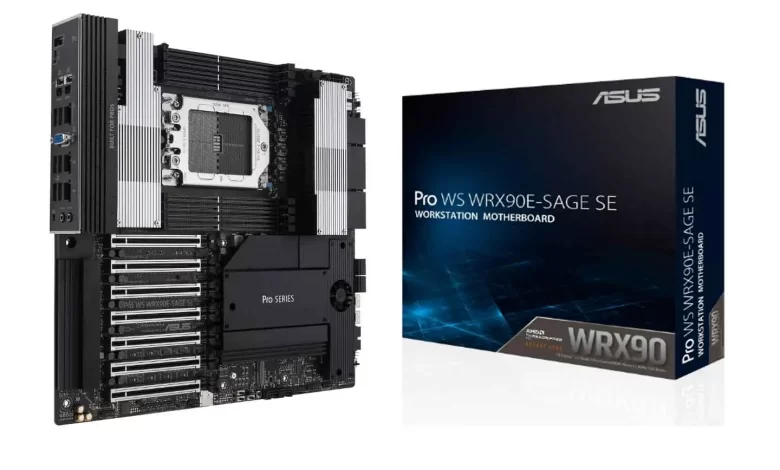
ASUS Pro WS WRX90E-SAGE SE: The Costly AI Build Mistake

The ASUS Pro WS WRX90E-SAGE SE has become the premier motherboard for developers building extreme local AI workstations. While most builders focus entirely on buying expensive graphics cards with massive VRAM, running modern AI coding agents requires a completely different hardware balance.
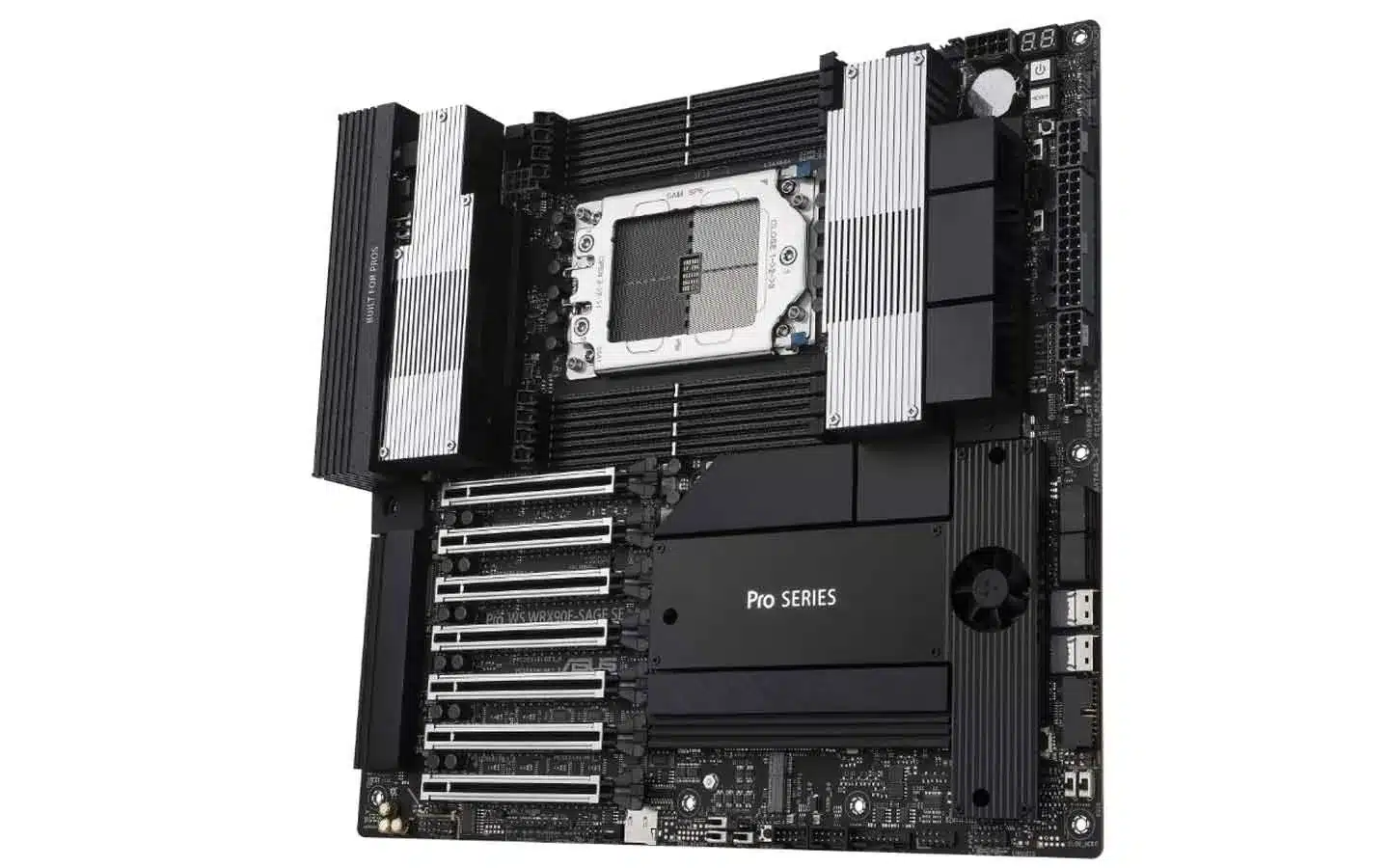
In addition, recent testing highlighted by Alex Ziskind’s AI Hardware Build reveals a surprising bottleneck. The benchmark data proves that local AI agents spend up to 71% of their execution time on the processor rather than the graphics card. Therefore, building around a motherboard like the ASUS Pro WS WRX90E-SAGE SE is essential to prevent severe performance slowdowns.
Buy ASUS Pro WS WRX90E-SAGE SE at Amazon
Buy ASUS Pro WS WRX90E-SAGE SE at AliExpress
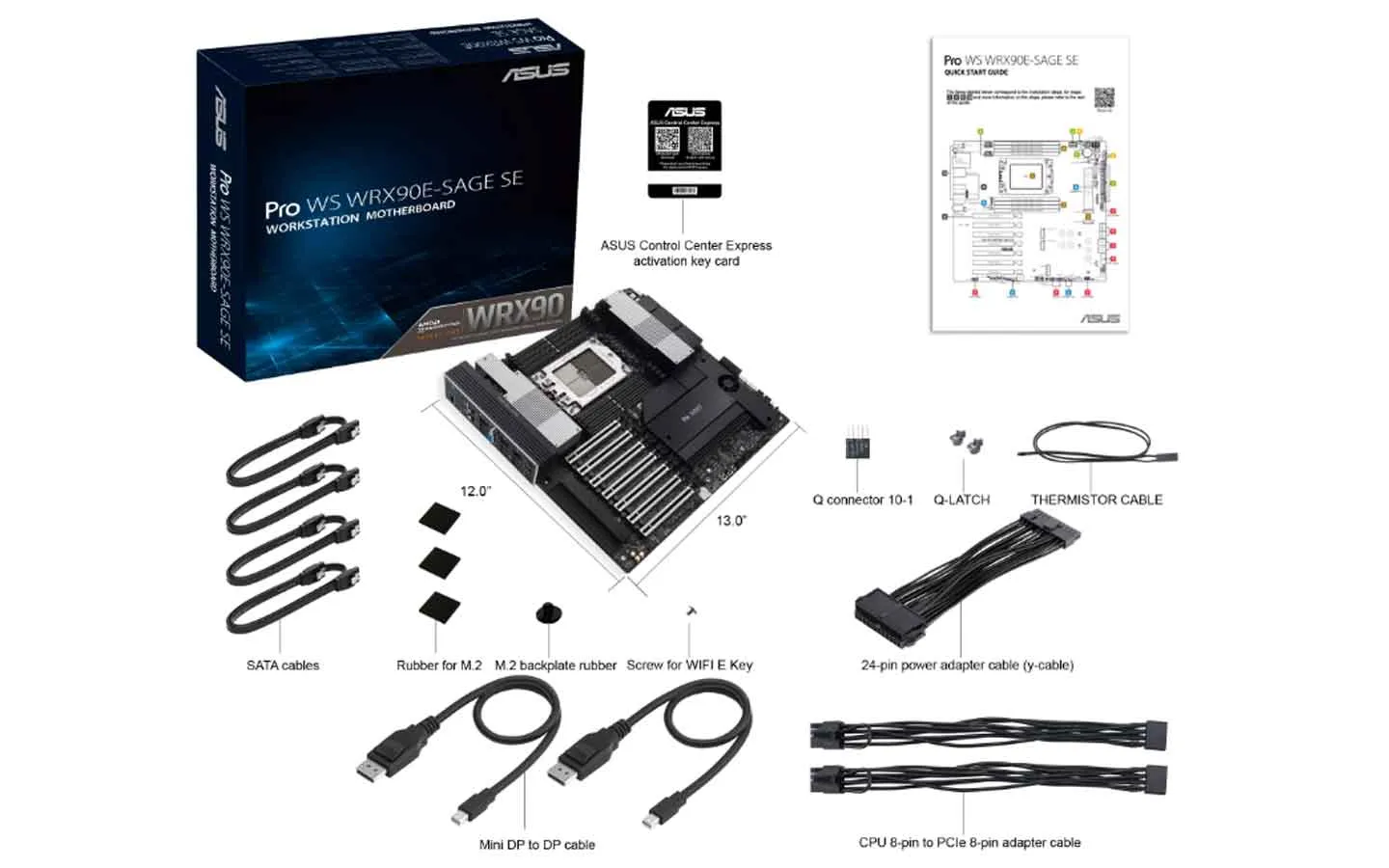
ASUS Pro WS WRX90E-SAGE SE: Key Specs and Features
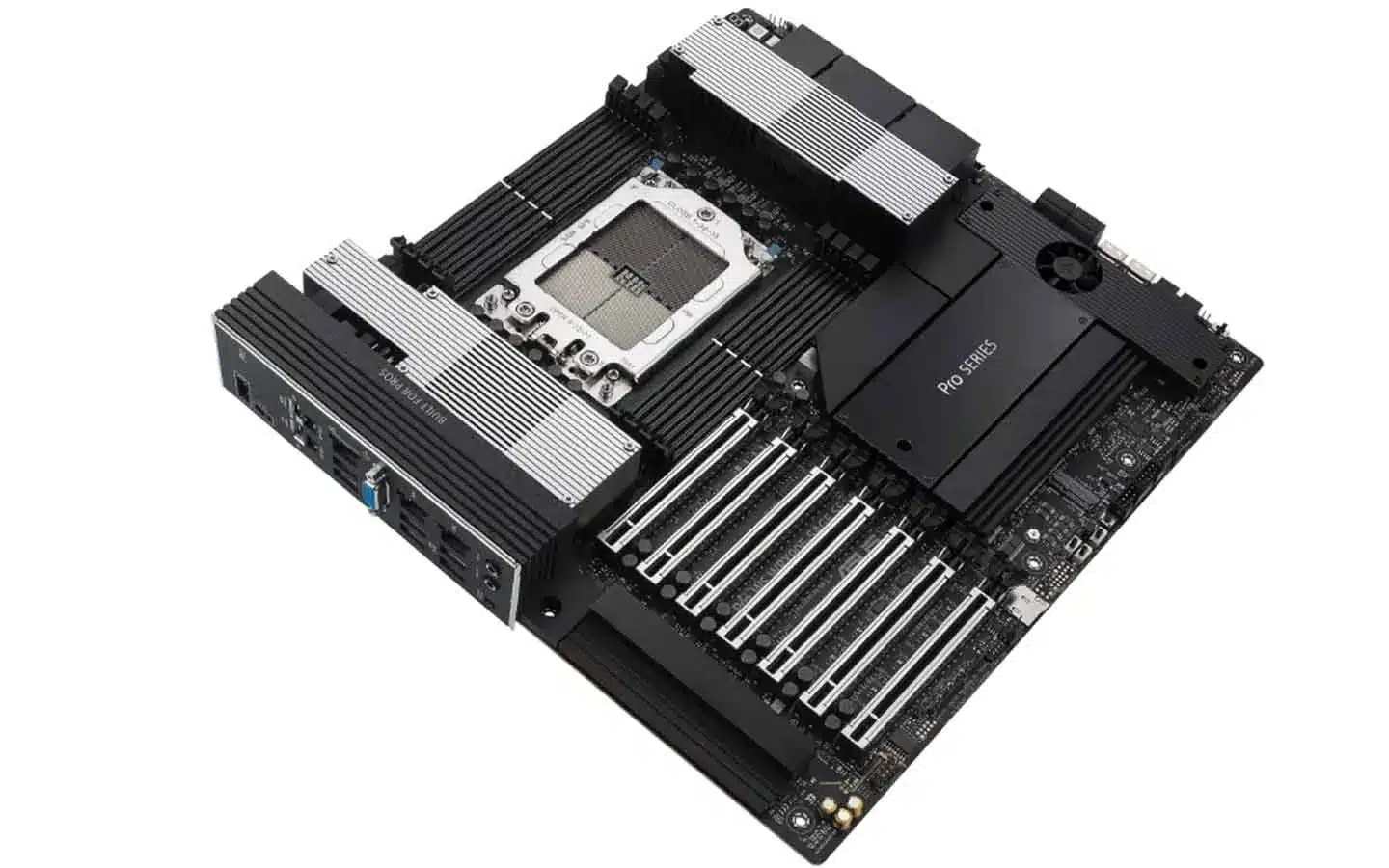
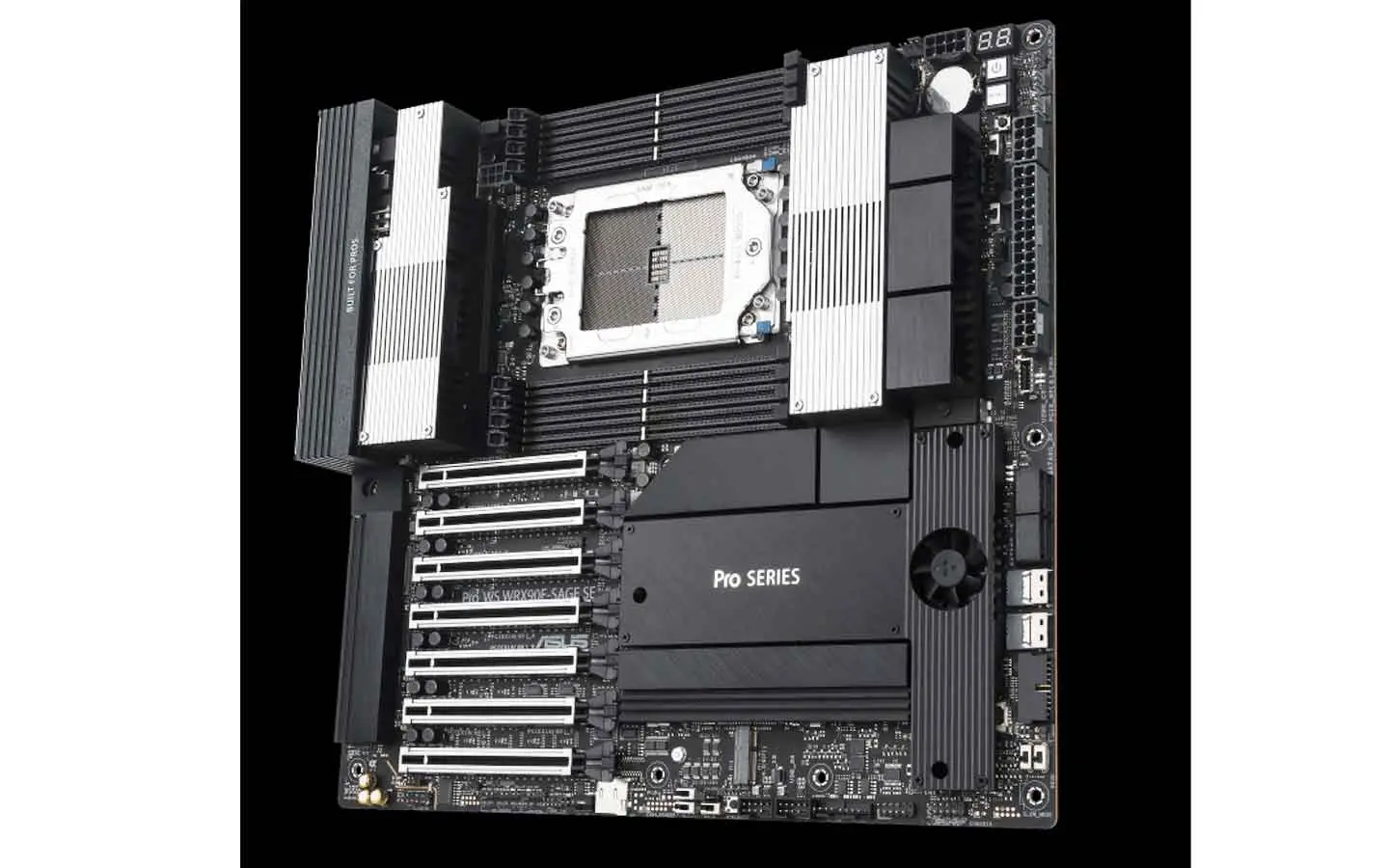
The ASUS Pro WS WRX90E-SAGE SE is engineered specifically for heavy enterprise and AI computing. It features the sTR5 socket, supporting AMD Ryzen Threadripper PRO 7000 and next-generation WX processors.
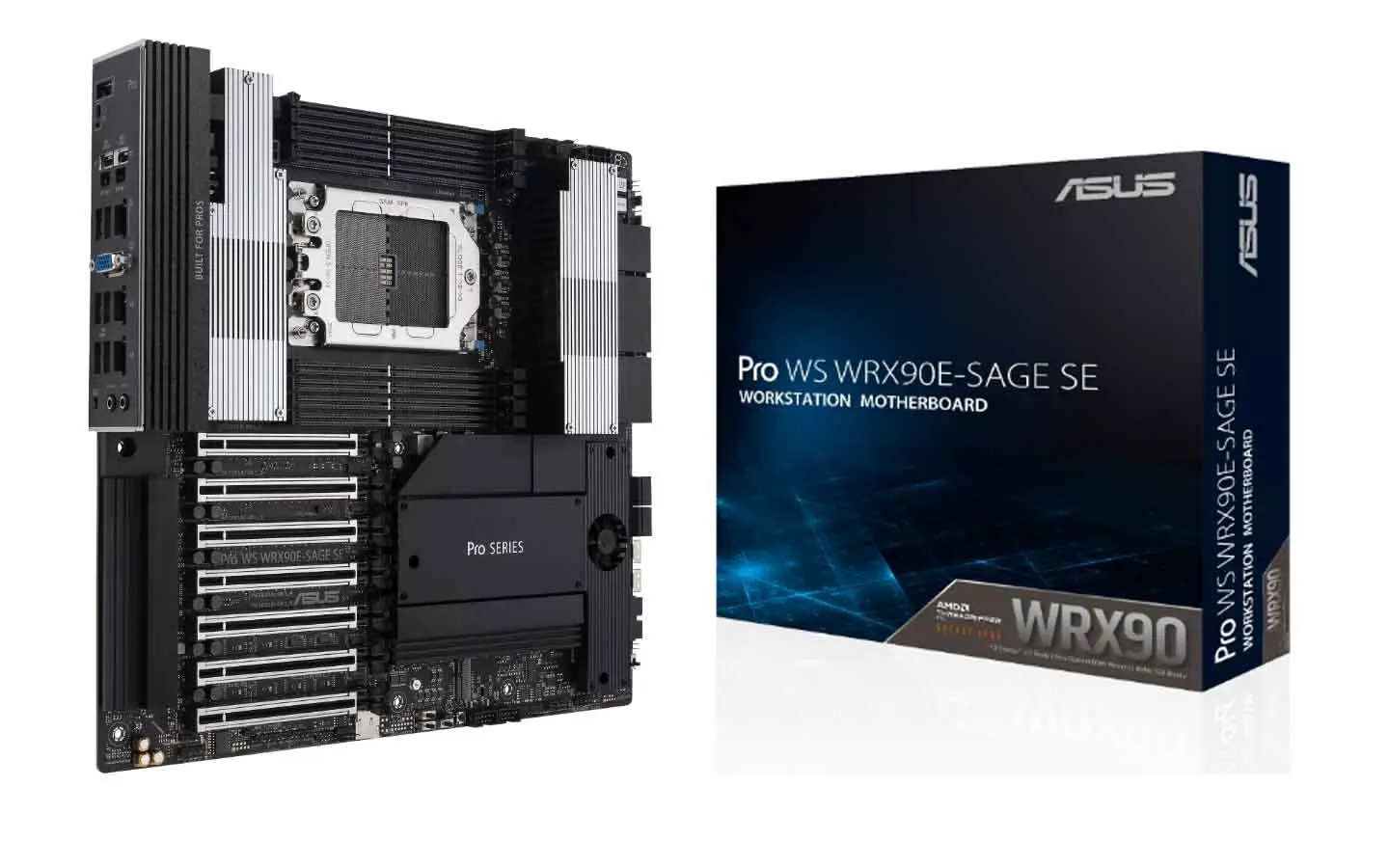
Furthermore, the board provides seven full-length PCIe 5.0 x16 slots. Because the Threadripper PRO platform provides 128 PCIe 5.0 lanes, every graphics card receives its own dedicated root complex without sharing bandwidth.
| Motherboard Feature | Hardware Specification |
|---|---|
| Socket & Platform | AMD Socket sTR5 (WRX90 Chipset) |
| Processor Support | AMD Ryzen™ Threadripper™ PRO Series |
| PCIe Expansion | 7x PCIe 5.0 x16 slots (128 lanes total) |
| Memory Architecture | 8-Channel DDR5 ECC Registered (up to 2TB) |
| Storage Slots | 4x M.2 PCIe 5.0 NVMe + SlimSAS ports |
| Networking | Dual 10Gb Ethernet (Intel X710-AT2) + Gigabit IPMI |
| Power Delivery | 32+3+3+3 Power Stages with dual 8-pin & 16-pin connectors |
CPU vs GPU for AI: Why All That VRAM Needs a Bigger Brain
When running standard language models, the GPU handles token generation. However, modern workflows rely on autonomous coding agents like Claude Code, Cline, and Cursor.
During an agent turn, the model generates code, but the computer must then compile files, run test suites, analyze syntax trees, and package data. In real-world testing, 71% of each agent cycle takes place on the processor rather than the graphics card.
Consequently, pairing four high-end GPUs with a standard 8-core desktop processor causes severe bottlenecks. While a consumer chip handles a single agent fine, running 16 to 32 concurrent agent workers causes consumer processors to stall completely.
Which Threadripper PRO Processor Should You Choose?
All models below are compatible with the ASUS Pro WS WRX90E-SAGE SE and feature 128 PCIe 5.0 lanes and 8-channel DDR5 ECC memory (source: AMD Processor Specifications):
| Processor Model | Cores / Threads | Boost Clock | Best For |
|---|---|---|---|
| Threadripper PRO 7955WX | 16 Cores / 32 Threads | Up to 5.3 GHz | Entry-level workstation / 1–2 GPUs |
| Threadripper PRO 7965WX | 24 Cores / 48 Threads | Up to 5.3 GHz | Data loading and multi-GPU balance |
| Threadripper PRO 7975WX | 32 Cores / 64 Threads | Up to 5.3 GHz | Sweet Spot: Multi-agent AI coding & 4 GPUs |
| Threadripper PRO 7985WX | 64 Cores / 128 Threads | Up to 5.1 GHz | Heavy model quantization, VMs & multi-user clusters |
| Threadripper PRO 7995WX | 96 Cores / 192 Threads | Up to 5.1 GHz | Maximum enterprise computing (8+ GPUs) |
Benchmark Comparison: Threadripper PRO vs Consumer Ryzen
To prove how much processor cores matter, benchmark tests compared a 32-core Threadripper PRO against an 8-core AMD Ryzen 7 9700X running identical AI agent tasks:
- 1 Worker: The 8-core processor scored 89.7 turns per minute, closely matching the Threadripper’s 85.6 turns. For single-agent tasks, consumer processors perform well.
- 8 Workers: The Threadripper finished in 11.57 seconds, while the 8-core chip slowed down to 14.96 seconds.
- 32 Workers: The consumer CPU stalled completely at 568 turns per minute. In contrast, the Threadripper scaled smoothly past 2,100 turns per minute.
- 64 Workers: The Threadripper peaked at 2,239 turns per minute, completing tasks nearly four times faster than the consumer chip.
Therefore, developers deploying multi-agent systems need heavy multi-threaded processors to keep their GPUs fed with work.
Power Supply and Cooling Requirements
Building an extreme workstation on the ASUS Pro WS WRX90E-SAGE SE demands robust power delivery and cooling. An enterprise build featuring multiple workstation cards can draw well over 1,800 watts under full load.
For example, high-power setups often utilize heavy 3,000-watt power supplies that run on 240-volt electrical circuits. In addition, Threadripper processors can consume up to 350 watts by themselves.
As a result, builders should install dedicated liquid coolers like the SilverStone XE360-TR5. These heavy-duty coolers feature high-RPM industrial fans to dissipate heat efficiently across long training runs.
Check Workstation Hardware Pricing & Availability
*Prices and availability vary by retailer. Check official listings for current stock.
✂️ Ordering PC Hardware on AliExpress?
Save extra cash on computer parts, cables, and accessories by checking our regularly updated coupon codes guide.
Final Verdict: Is This Board Right for Your AI Build?
In conclusion, the ASUS Pro WS WRX90E-SAGE SE provides the ideal foundation for enterprise-level local AI workloads. Its 128 PCIe 5.0 lanes, 8-channel memory support, and robust cooling ensure that your cards and processors run at maximum speed.
If your daily workflow involves running concurrent AI coding agents or hosting large local models, investing in this board and a Threadripper processor eliminates the hidden CPU bottleneck once and for all.
Frequently Asked Questions (FAQ)
1. How many graphics cards can fit on this motherboard?
The board features seven PCIe 5.0 x16 slots. You can easily install four dual-slot workstation graphics cards with room for high-speed storage cards.
2. Does the processor really matter for local AI models?
Yes. While models run on the GPU, autonomous AI coding agents spend over 70% of their turn time executing code, compiling, and running unit tests on the CPU.
3. What type of RAM does this motherboard require?
The board requires DDR5 ECC Registered memory across eight channels. It supports up to 2TB of total system RAM for massive dataset processing.
4. Can you run this workstation on a standard home wall outlet?
A basic build with one or two cards runs fine on standard 115V outlets. However, builds with four full-power workstation GPUs often require a 240V circuit to support a 3,000-watt power supply safely.
5. Is this motherboard compatible with regular Ryzen desktop CPUs?
No. It uses the sTR5 socket and requires AMD Ryzen Threadripper PRO processors. It does not support standard consumer Ryzen AM5 desktop chips.
6. Which operating system works best for AI agent workstations?
Ubuntu Linux 24.04 LTS is the most recommended operating system. It provides the best driver support and software libraries for multi-GPU Nvidia and AMD AI environments.


