
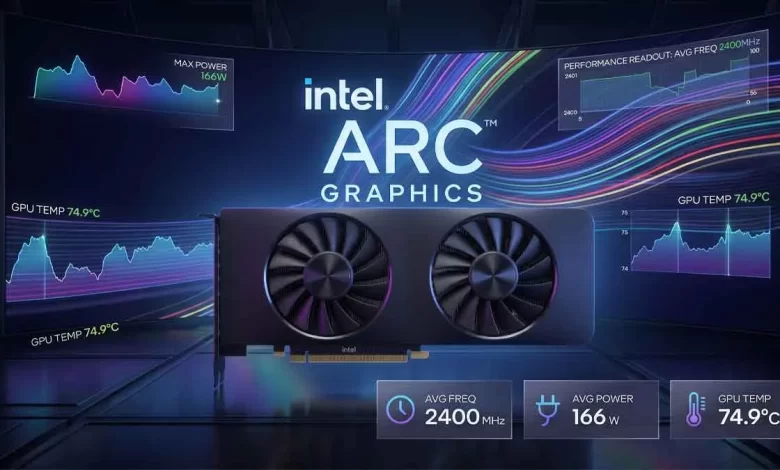

Quick Comparison: PresentMon 2.6 vs. Previous Versions
| Feature / Capability | Older PresentMon Builds | Intel PresentMon 2.6.0 |
|---|---|---|
| Active CPU Overhead | Noticeable background polling load | Reduced by 78% via relaxed ETW loops |
| Idle CPU Consumption | ~0.003% due to diagnostic log flushing | Virtually 0.000% (negligible background draw) |
| Overlay Presets | Basic FPS, Frame Time, and GPU Busy | New “Gaming Experience” motion clarity preset |
| DirectX 12 Diagnostics | Standard frame presentation latency | Tracks DX12 PSO compilation duration & busy % |
| Multi-GPU Support | Single active adapter readout | Simultaneous multi-adapter telemetry display |
| Hardware Compatibility | Intel, NVIDIA, AMD GPUs | Multi-Vendor (Intel, NVIDIA, AMD) on Windows 10/11 |
1. 78% CPU Drop: How Intel Optimized Background Telemetry
The primary complaint with third-party monitoring utilities has always been the observer effect. When a performance overlay consumes too many background CPU cycles, it can introduce micro-stuttering into competitive titles. To resolve this issue, the engineering team overhauled how Intel PresentMon interacts with Event Tracing for Windows (ETW).
Specifically, the software now employs relaxed background refresh loops during non-critical rendering intervals. Rather than continuously polling the system at microsecond intervals, the tool intelligently dynamically scales its capture frequency. As a result, active CPU utilization fell by 78%, while idle background consumption dropped from 0.003% to a flat 0.000%. This optimization particularly benefits battery life on handheld gaming PCs and lightweight gaming laptops.
If you are assembling a high-performance PC to test with these diagnostics, selecting the right foundation is critical to avoid PCIe bandwidth bottlenecks. Explore our comprehensive AMD X870E vs. B850 motherboard comparison and our hands-on Colorful iGame X870E Vulcan review for hardware recommendations.
2. New “Gaming Experience” Preset Overlay
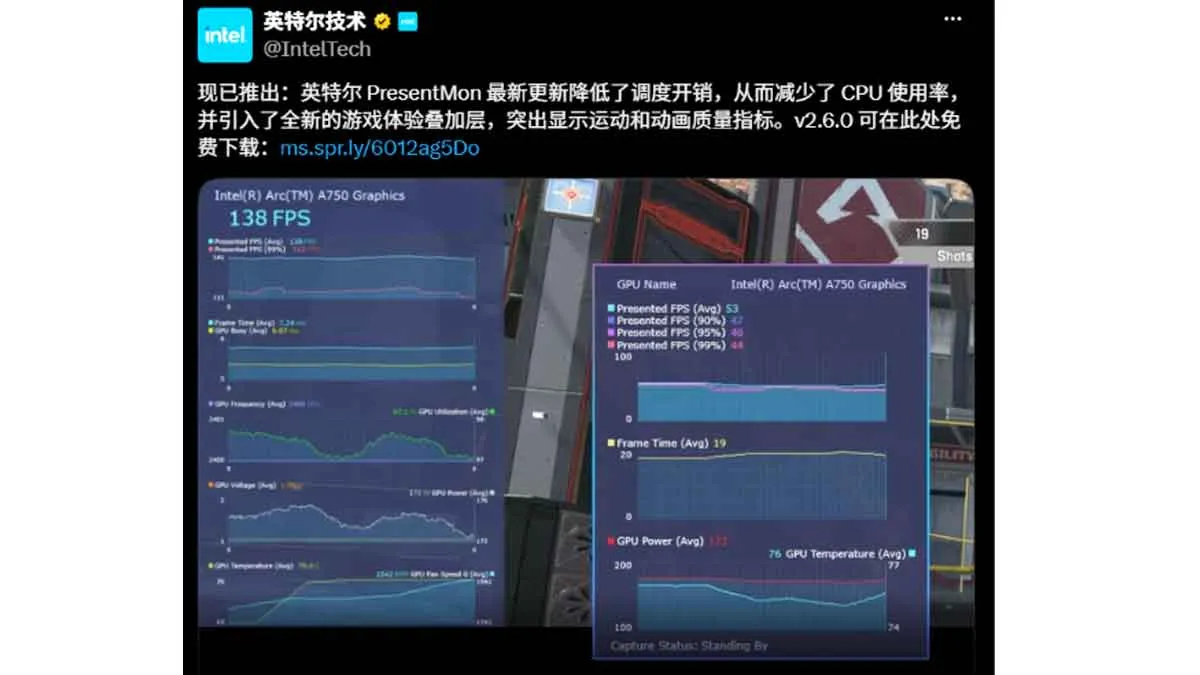
For everyday gamers seeking the best fps overlay, raw frame numbers do not always convey how smooth a game actually feels. To address this gap, version 2.6 introduces a dedicated “Gaming Experience” mode.
- Perceived Motion Quality: Tracks animation consistency and pacing anomalies rather than basic frame rate averages.
- Visual Transparency: Instead of hiding metrics that a specific hardware configuration cannot measure, the interface now displays them alongside an explanation of why they are unavailable.
- Multi-Adapter Telemetry: Gamers utilizing integrated graphics alongside dedicated discrete GPUs can now view synchronized telemetry from both chips simultaneously.
3. Developer Tools: DirectX 12 PSO Compilation Tracking
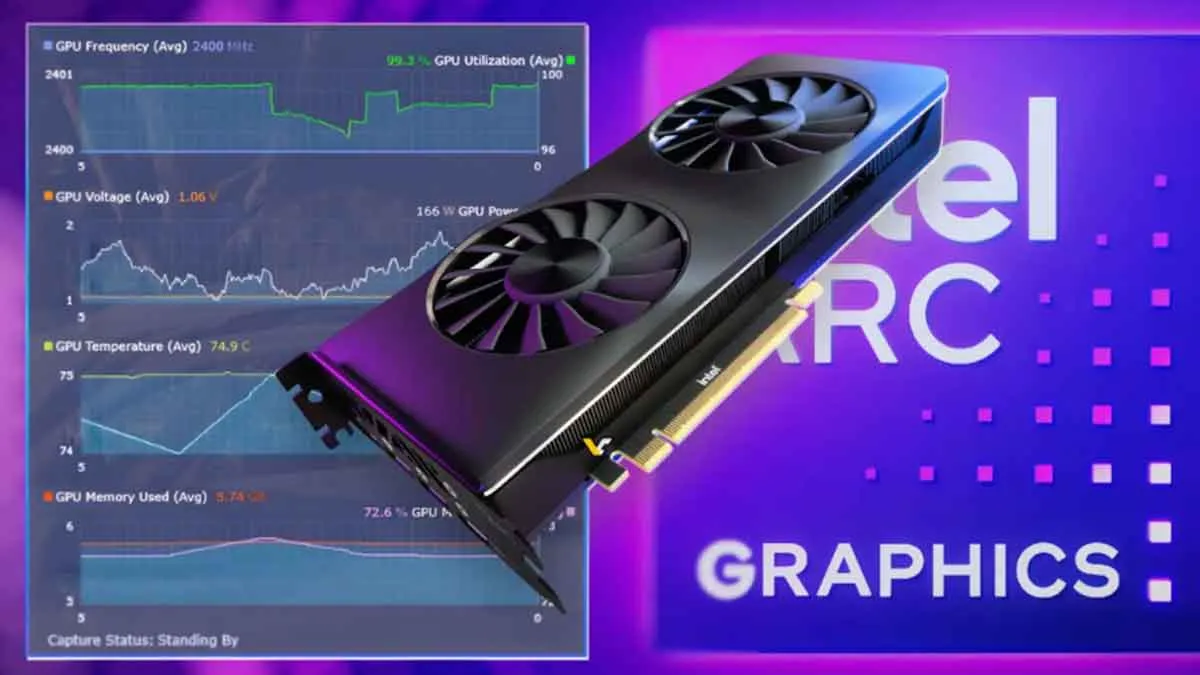
Shader compilation stutter remains one of modern PC gaming’s most persistent technical hurdles. With this release, the utility strengthens its position as an essential game performance monitor by adding native tracking for DirectX 12 Pipeline State Object (PSO) events.
Developers and hardware evaluators can now log the exact number of runtime PSO compilations, total compile duration, and the percentage of time worker threads spend blocked waiting for shaders. In addition, the update integrates refreshed Windows Device Driver Interface (DDI) presentation events, providing deeper insight into dropped frames and composition queue stalls.
Also Read: Huawei Mate 90 Pro Max: The Ultimate 4-Model Lineup Leaked for Oct 1
4. Intel PresentMon Download and Multi-Vendor Compatibility
Unlike proprietary manufacturer software, the official Intel PresentMon download remains completely free and open-source. The package is fully compatible with 64-bit editions of Windows 10 and Windows 11.
Furthermore, Intel preserves universal hardware compatibility across all modern graphics architectures. Whether you are running an Intel Arc discrete card, an NVIDIA GeForce RTX setup, or an AMD Radeon configuration, the overlay reads native driver metrics across DirectX 9, DirectX 11, DirectX 12, OpenGL, and Vulkan titles without third-party wrappers.
Whether you are evaluating flagship desktop setups or value-tier cards like in our detailed AMD Radeon RX 9070 GRE review & benchmarks, PresentMon 2.6 ensures transparent hardware telemetry across all major GPU architectures.
Verified Sources & Documentation:
Frequently Asked Questions (FAQ)
Does Intel PresentMon work with NVIDIA and AMD graphics cards?
Yes. Intel PresentMon is fully open-source and vendor-agnostic. It accurately captures frame latency, GPU telemetry, and frametime metrics on Intel, NVIDIA GeForce, and AMD Radeon graphics cards.
What makes PresentMon 2.6 better than MSI Afterburner?
While MSI Afterburner relies on traditional hardware polling, PresentMon 2.6 reads native Windows kernel presentation events. It tracks exclusive metrics like GPU Busy and DirectX 12 PSO shader compile stalls with 78% lower CPU overhead.
Where can I get the latest Intel PresentMon download?
You can complete the official Intel PresentMon download directly from Intel’s GitHub repository or the Intel Developer Zone free of charge.
Does PresentMon support Windows 10 and Windows 11?
Yes, the software supports 64-bit installations of both Windows 10 and Windows 11 across all major graphics APIs, including DirectX 9, 11, 12, Vulkan, and OpenGL.


